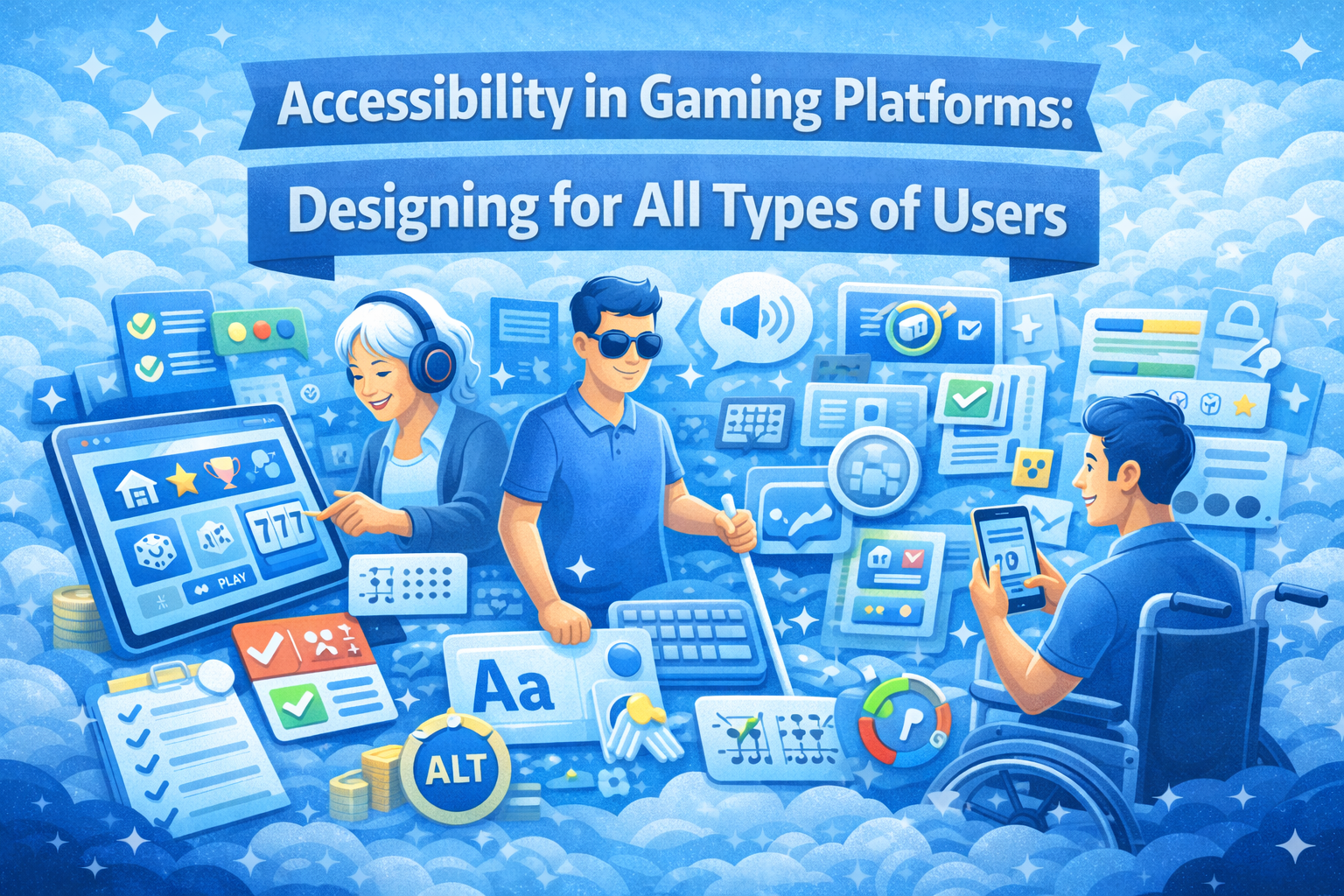
Accessibility has become an essential component of modern digital design. In 2026, gaming platforms are expected to cater to a diverse range of users, including those with different abilities, preferences, and technical familiarity.
Designing for accessibility is not just about compliance—it is about creating inclusive experiences that allow everyone to interact with a platform comfortably and confidently.
What Accessibility Means in Digital Platforms
Accessibility refers to designing interfaces that can be used by as many people as possible, regardless of physical, visual, or cognitive limitations.
This includes considerations such as readable text, intuitive navigation, and compatibility with assistive technologies.
Guidelines from the W3C Web Accessibility Initiative highlight the importance of making digital content perceivable, operable, understandable, and robust.
Why Accessibility Matters for User Experience
Inclusive Engagement
Accessible platforms ensure that more users can participate without barriers, leading to broader engagement.
Improved Usability for Everyone
Many accessibility features, such as clear layouts and readable text, benefit all users—not just those with specific needs.
Stronger Trust and Credibility
Platforms that prioritize accessibility demonstrate responsibility and user awareness, which can enhance trust.
Key Accessibility Features in Modern Platforms
Readable Typography
Text should be easy to read across devices, with sufficient size, spacing, and contrast.
Color Contrast and Visibility
High contrast between text and background improves readability, especially for users with visual impairments.
Keyboard and Touch Navigation
Platforms should support both keyboard and touch inputs, allowing users to navigate in different ways.
Alternative Text and Labels
Images and interactive elements should include descriptive labels to support screen readers.
Designing for Different User Needs
Visual Accessibility
Features such as adjustable font sizes and dark mode options help users with varying visual preferences.
Cognitive Accessibility
Simple layouts and clear instructions reduce confusion and improve comprehension.
Motor Accessibility
Larger buttons and touch-friendly interfaces support users with limited precision.
Common Accessibility Challenges
Overly Complex Interfaces
Complex layouts can create barriers for users who need simplicity and clarity.
Low Contrast Design
Stylish but low-contrast designs may look appealing but can reduce usability.
Lack of Testing
Failing to test accessibility features can result in overlooked issues that affect real users.
How Platforms Are Improving Accessibility
Adopting Accessibility Standards
Many platforms are aligning with global accessibility guidelines to ensure consistent quality.
Integrating Assistive Technologies
Compatibility with screen readers and voice controls is becoming more common.
Continuous User Feedback
Platforms are increasingly using feedback from diverse user groups to improve accessibility features.
Best practices outlined by web.dev accessibility guides demonstrate how inclusive design enhances usability and engagement.
The Business Value of Accessibility
Beyond user experience, accessibility also has practical benefits. It expands the potential user base and improves overall satisfaction.
Platforms that invest in accessibility are more likely to retain users and build long-term loyalty.
Creating Experiences That Work for Everyone
Accessibility is not a one-time effort—it is an ongoing process of improvement. As user expectations evolve, platforms must continue refining their designs to meet diverse needs.
By focusing on inclusivity, clarity, and usability, gaming platforms can create experiences that are welcoming and effective for all users.
Designing for accessibility ultimately leads to better experiences—not just for some users, but for everyone.